If you’re still using general AI chatbots and tools like ChatGPT to churn out SEO content, you’re probably missing a major trick. Spin Rewriter is built differently, and it’s how the SEO pros are creating high quality, unique, undetectable content at scale.
Here are the exact settings you need to turn one article into hundreds of SEO friendly variations… in seconds.
In this guide, we’ll explore the recommended settings to maximise its potential and ensure your articles are both unique and readable. Whether you’re a seasoned user or just starting out, these tips will help you get the most out of Spin Rewriter.
Step 1: Preparing Your Article
Before diving into the settings, ensure you have your original article ready. Spin Rewriter allows you to save your progress, so you can return to your work at any time. Once your article is uploaded, it’s time to configure the settings.
ENL Semantic Spinning Features
Sentence and Paragraph Level
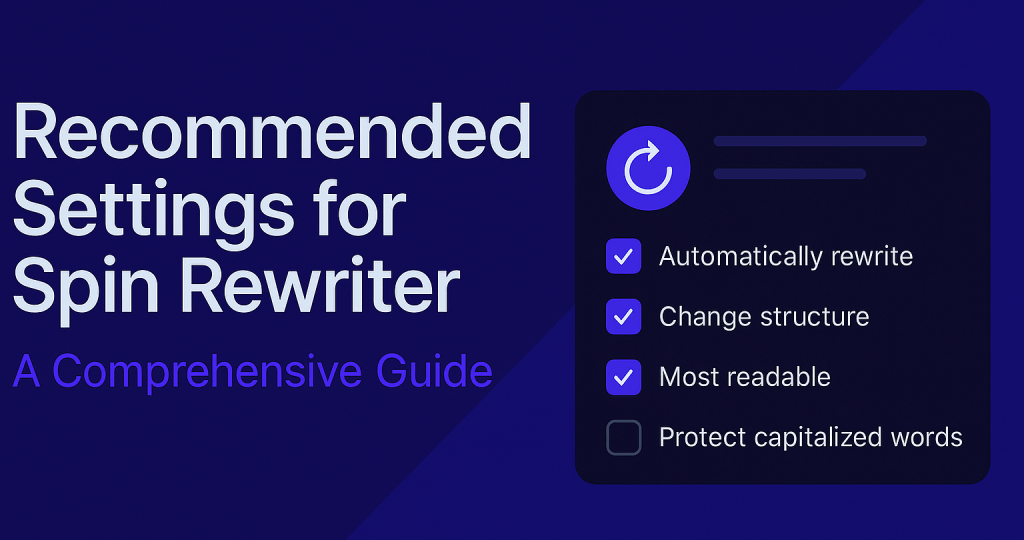
1. Automatically Rewrite Sentences: This feature alters sentences to make them unique while maintaining readability. It’s a must-use setting for creating diverse content.
2. Automatically Rewrite Entire Paragraphs: By adjusting sentence structures within paragraphs, Spin Rewriter enhances uniqueness without compromising the original meaning.
3. Avoid Adding New Paragraphs or Summaries: To keep the length of your articles consistent, it’s recommended to leave this option off.
4. Change the Structure of Phrases and Sentences: This powerful feature ensures that phrases and sentences are restructured for maximum uniqueness. For example, “Relax and read a book” can be transformed into “Read a book and relax,” while maintaining context.
Words and Phrases Settings
1. Most Readable Option: If you’re generating a smaller number of unique articles (e.g., 10-15), this setting ensures that only accurate synonyms are used, enhancing readability.
2. Protect Capitalized Words: Automatically safeguard brand names, proper nouns, and other capitalized terms to maintain the integrity of your content.
Advanced Settings
- Enable One-Click Rewrite Process: This feature streamlines the rewriting process, saving time and effort.
- Activate Hyperspeed: Reduce processing time significantly. For a 500-word article, the time drops from two minutes to just 11-12 seconds.
- Disable Multi-Level Nested Spinning: For most users, leaving this setting off simplifies the process and ensures better results.
Step 2: Generating Unique Articles
Once the settings are configured, Spin Rewriter analyzes the content, prepares synonyms, and ranks them based on context. Using the “Most Readable” option ensures high-quality suggestions. After reviewing the spin text, finalize the article to move to the next step.
Step 3: Enhancing Your Articles
- Never Use Original Words When Synonyms Are Available: This setting ensures higher uniqueness by replacing all original words with suitable synonyms.
- Enrich Articles with Headings and Bullet Points: Automatically convert key phrases into headings and subheadings, making your content more engaging and reader-friendly.
- Add Relevant Images: Incorporate images and videos to further enhance the appeal of your articles. Spin Rewriter allows you to wrap text around visuals seamlessly.
Final Thoughts
Spin Rewriter is an exceptional tool for SEO professionals and content creators. By following these recommended settings, you can produce unique, high-quality articles that stand out. Whether you’re creating 10 articles or 500, these tips will help you achieve your goals efficiently.
Enjoy using Spin Rewriter, happy spinning!

 GEO Digital Marketing
Leave a comment